
Walrus the Cost? is a fitness-cost tracker for iPhone, iPad, and Mac. It logs ride and row workouts, tracks equipment and subscriptions, and shows cost-per-usage charts so you can see what each session costs.
This page is the support and privacy page for the App Store listing.
Support
Email rabbidyak@gmail.com with the app name Walrus the Cost? in the subject. Please include your device type and iOS version if you are reporting a problem.
What the app does
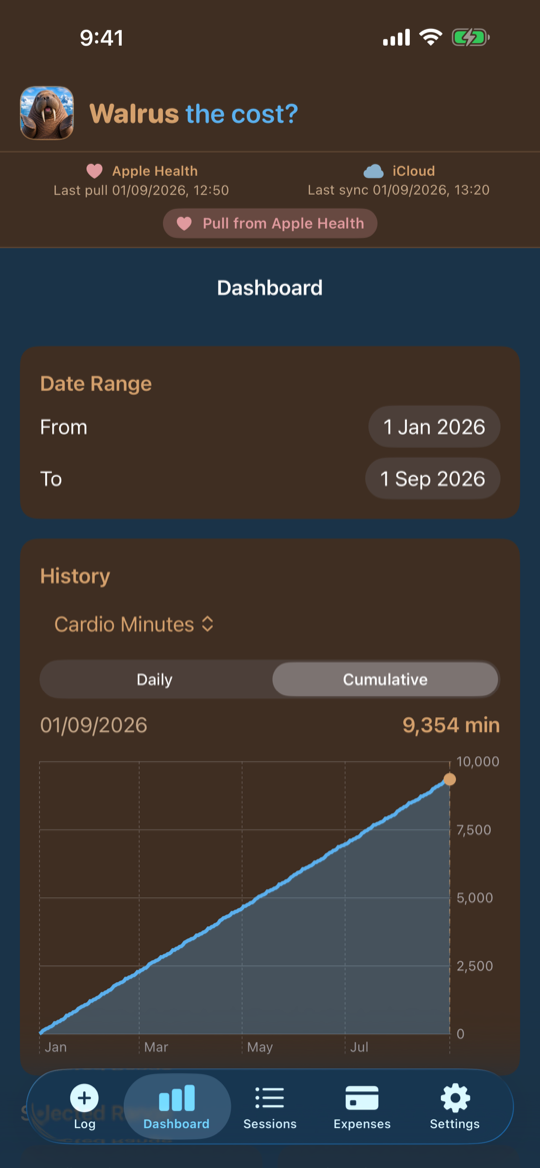
- Dashboard with a date range and charts for cardio minutes and other metrics, daily or cumulative
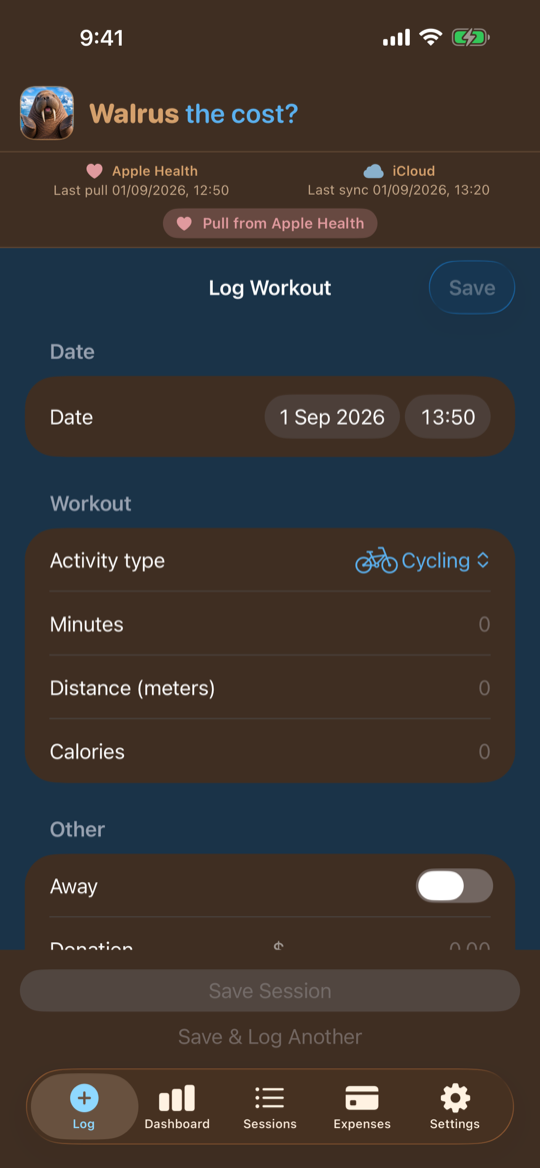
- Log ride, row, and other Apple Health workout types you enable, including away days and donations
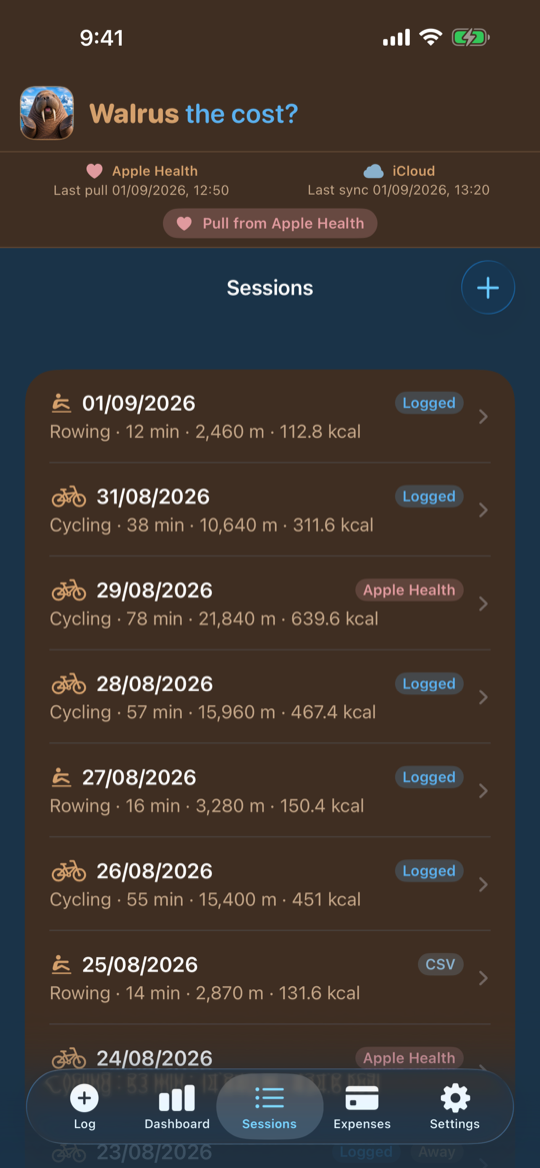
- Sessions list tagged as Logged, Apple Health, or CSV
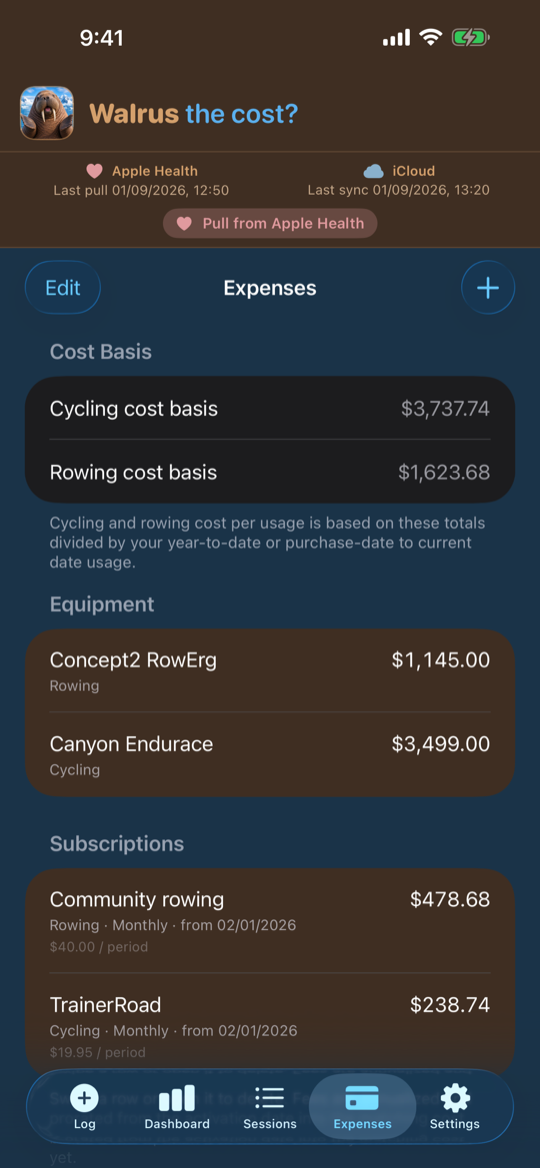
- Track equipment purchases and subscriptions, then divide those costs by usage
- Import workouts from Apple Health (optional) or from a CSV file
- Copy workouts, expenses, and settings between your devices with iCloud (optional, not automatic)
- Encrypt the local workout database on this device when the app goes to the background
- Appearance, units, vacation dates, and a skip-day message in Settings
Privacy
The full legal notice is the Privacy Policy. A short summary of how this app uses data is below.
Walrus the Cost? does not create an account with us, show ads, or sell your information. Health, fitness, and expense data are used only to run the app.
| Data | What happens |
|---|---|
| Workouts, expenses, subscriptions, and settings | Stored on your device |
| Local database | Encrypted on this device when the app is in the background, using a key in the iOS Keychain |
| Apple Health workouts | Optional. If you allow it, the app reads workout type, distance, and calories. It does not write workouts back to Apple Health |
| Health fields on iCloud | Optional. Push can include calories, distance, start times, and Apple Health workout IDs unless you turn Upload Apple Health fields off |
| iCloud / CloudKit | Optional. Pull and push copy your workouts, expenses, and settings through your Apple iCloud account. Opening the app does not sync by itself |
| CSV import | Stays on this device until you push to iCloud |
You can use the app without Apple Health and without iCloud.
We do not collect analytics, crash reports, or advertising IDs.
Contact
rabbidyak@gmail.com